Before receiving a strong shortlist of creator applications for your next UGC campaign, you first need to launch your brief on a UGC platform, giving creators a clear picture of your product and the content you would love them to make.
A well written brief can spark plenty of great ideas, but if it starts reading like a product page, brand manual and shooting script rolled into one, creators can lose sight of the message that matters most.
The aim is to share enough direction for creators to understand exactly what you need while leaving space for the personality and creative instincts that made you want to work with them in the first place.
Just here for the highlights?
📝 Detailed scripts have their place, but too many instructions can leave creators with little room to create.
🎯 Keep the priority message easy to spot and move extra product information into a separate guide or link.
✅ Use clear dos, don’ts and must include details to keep creators focused.
🧪 Add hook and call to action variations when one campaign needs to cover several angles.
📖 Use Twirl’s UGC brief builder to give creators direction without handing them a novel.
What does an over scripted UGC brief look like?
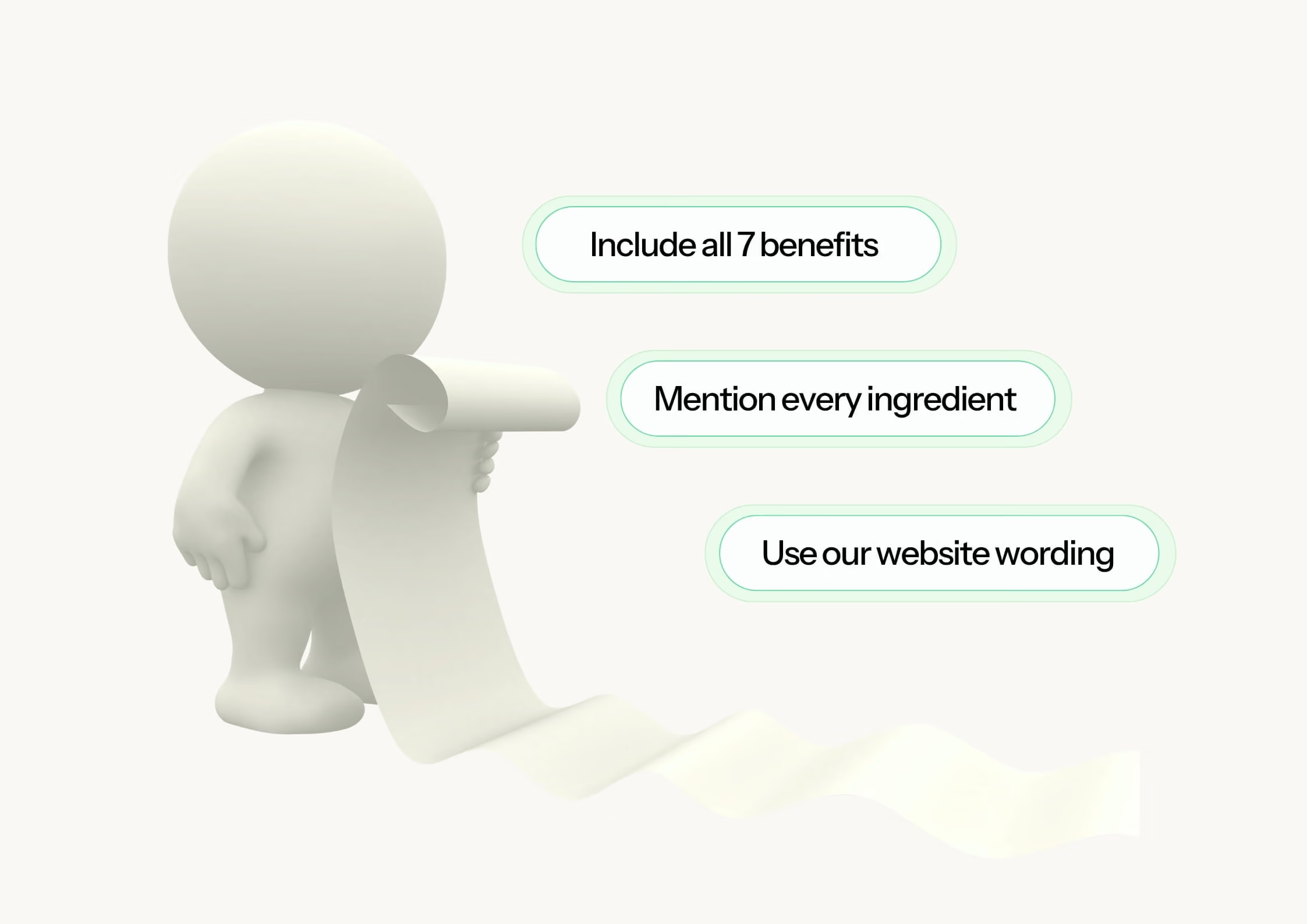
A detailed script can be useful when you need the creator to stay focused on the creative idea, explain something accurately or deliver specific wording. Over scripting is more likely when many layers of deliverables leaves them with no freedom to create the kind of content they do best.
You might be over scripting when:
Every line from the script must be delivered word for word
The language comes directly from your website
Several product benefits need to fit into one video
Every shot, expression and movement has been prescribed
The creator cannot suggest a different hook, format or personal story
A creator might follow every instruction perfectly and still produce a video that feels awkward because they are trying to remember too many requirements at once. The aim is not to remove structure, but to make the most important parts clear and leave some room for the creator’s natural vocabulary, rhythm and delivery - which is exactly what makes content enjoyable to watch.
What should you put in a UGC brief?
A useful UGC brief tells the creator who the content is for, what the campaign needs to communicate and which requirements cannot change.
It should answer:
Who is this content for?
What problem does the product solve?
What is the main message?
What does the viewer need to see?
What’s the CTA?
Which claims or phrases must be included?
Which claims or topics should be avoided?
If you are unsure which product benefits or customer problems deserve the most attention, your reviews are a good place to start. Using customer reviews to write better UGC briefs can bring real customer language and experiences into the campaign without forcing creators to use polished marketing phrases.
It also helps to organise the details in your brief into three groups:
Must include
Use this section for approved claims, required product shots, offer terms, pronunciation guidance and any wording that must appear exactly as supplied. Regulated campaigns may also need specific disclosures, so share clear disclaimers in your UGC brief before the creator begins filming.
Useful context
Add background information that helps the creator understand the product, customer or campaign, even if it does not need to appear in the finished content.
Creator choice
Show the creator where they can shape the content themselves, including the opening line, setting, phrasing, transitions and supporting shots.
This structure makes the priorities clear without turning every note into a mandatory instruction.
A brief is not a product page
Creators need to understand your product, but they do not need every detail in the main brief.
Think of it as an elevator pitch - because when it comes to short form content, the creator has just as little time to get the message across. If you had to quickly explain the product to someone, what would you say?
Copying your full product page into the brief can hide the message you actually want the creator to remember. A long list of ingredients, features or benefits can also put pressure on the creator to fit everything into one video, which is often when natural content starts sounding like a sales presentation.
If the creator needs more background, include a link to the product page or attach a detailed product guide they can refer to for a clearer understanding. The main brief should still be easy to understand and straight forward to create from.
Add specific dos and don’ts
A short list of dos and don’ts can give creators helpful boundaries without deciding every creative detail for them.
Useful dos might include:
Show the product clearly within the first few seconds
Use the full product name once
Demonstrate the product in a real setting
Mention the priority benefit
Include the approved call to action
Useful don’ts might include:
Do not make medical or unapproved performance claims
Do not show competitor products
Do not use filters that alter the product colour
Do not describe the product as suitable for everyone
Do not film in a setting that conflicts with the brand
Keep each point practical and specific to the campaign. General instructions such as “be authentic” or “make it engaging” may sound positive, but they do not tell the creator what you actually want.
A few relevant UGC ad examples can also communicate the intended tone, pace or filming style without asking the creator to copy another video exactly.
How much scripting should you give a UGC creator?
The right amount of scripting depends on the product, campaign and content format, although talking points will be enough for many UGC videos.
A simple structure could ask the creator to:
Open with a customer problem or relatable moment
Introduce the product
Show how it works
Explain the main benefit
Finish with the agreed call to action
This gives the video a clear flow while allowing the creator to choose words that feel comfortable on camera.
A more detailed UGC script can be useful when:
The product is technical or difficult to explain
Legal wording needs to be delivered exactly
The creator is demonstrating a set process
The content relies on a particular sequence
The video forms part of a connected series
When a full script is needed, read it out loud before sharing it, because written marketing copy can sound very different once spoken. Replace formal phrases with conversational language and invite the creator to flag any lines that feel unnatural.
You can also provide a sample script as inspiration, marking any required lines clearly while allowing the creator to adapt the rest. Twirl’s creator guide on how to script better UGC videos offers the creator’s perspective on turning a brand brief into content that still feels personal.
Should you align with a creator before filming?
An extra conversation can be helpful when the creator needs more product context, the campaign has several requirements or both sides want to agree on a script before production begins.
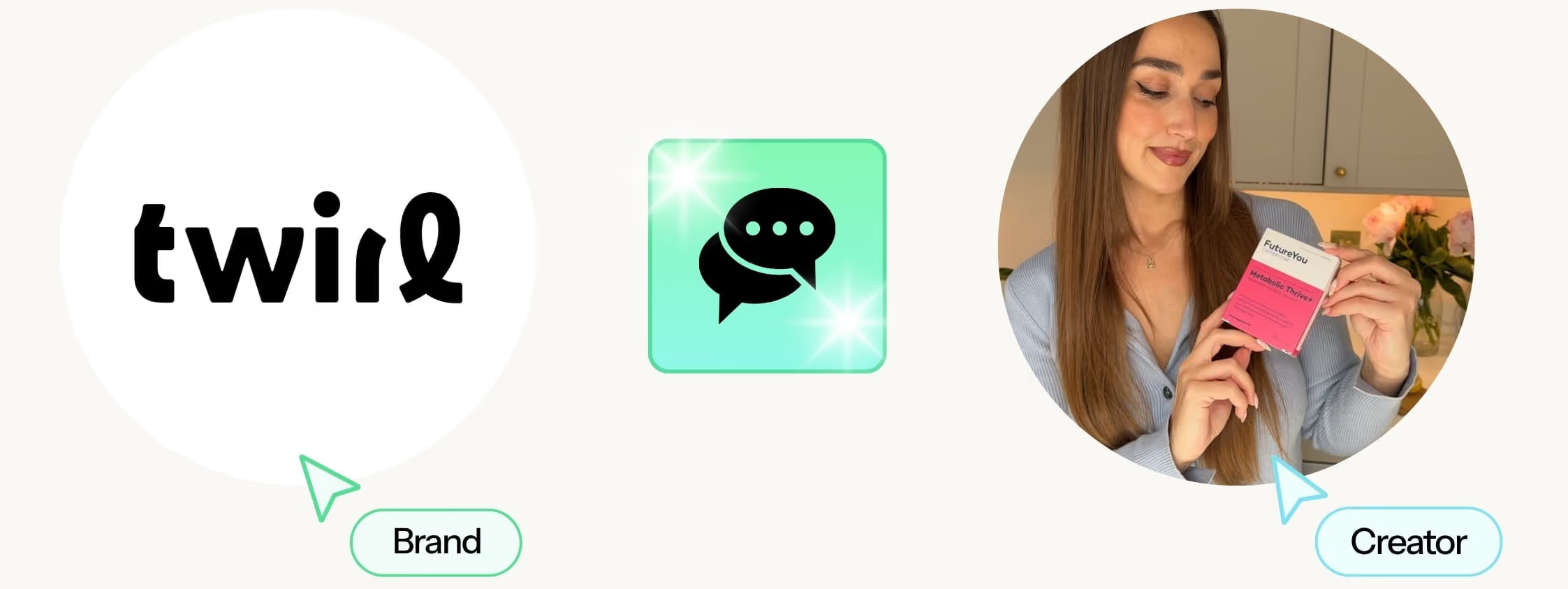
Twirl’s alignment stage lets brands open a chat once a creator confirms their availability. You can use it to answer questions, share extra details and discuss how the creator plans to approach the content.
The creator might suggest a stronger opening, identify a benefit that feels especially relevant or recommend a setting that suits their usual style. Discussing these ideas before filming gives both sides a shared direction and can prevent avoidable revisions later.
If the original brief already contains everything the creator needs, you can skip alignment and let them begin.
Twirl also allows creators to respond to campaign briefs and explain why they suit the project, helping brands compare ideas, content styles and experience through creator matching. You can also use these questions to ask before hiring a UGC creator to learn more about their approach before making a selection.
What if your campaign has several messages?
When a campaign needs to communicate several messages, they do not all have to compete for attention in the same video.
You can add variations with different hooks or calls to action while keeping the main body of the content unchanged.
For example, one core video could open with:
A customer problem
The main product benefit
A personal experience
The creator could also film alternative endings for paid social, organic content or a particular promotion.
This gives each message more space while providing paid social teams with several angles to test from one focused piece of content. Twirl’s guide to A/B testing UGC campaigns explains how different hooks, creators and creative approaches can be compared once the content is live.
If the ideas are too different to work as variations, they could become separate videos, such as a product demonstration, first impression, personal routine or response to a common customer question.
Ready to brief your next creator?
A focused brief makes it easier for creators to understand the campaign, pitch relevant ideas and produce content that feels right for your brand.
Twirl is your go-to partner for UGC. Whether you're a brand, agency or a UGC creator, we bring together 8000+ talented creators to produce authentic, scroll-stopping content for ads, websites, emails, and social channels.


)%20(13)%20(1).avif)
.avif)
.avif)

.svg)
.svg)